
POS systems/National Retail Solutions
National Retail Solutions
NRS, official retail hardware and CampNRS help
National Retail Solutions publishes official all-in-one POS hardware, including merchant and customer displays and the Cheetah configuration. Training and how-tos live on CampNRS, along with a Self-Install Manual and a setup guide. We can set you up on NRS. If you already run it, you can keep it.
What you get
Official hardware, staged and drop-shipped
These photos are official NRS product images from nrsplus.com. After you set up the hardware, CampNRS says NRS offers complimentary one-on-one remote training. NRS Support is listed on CampNRS as 800-215-0931.
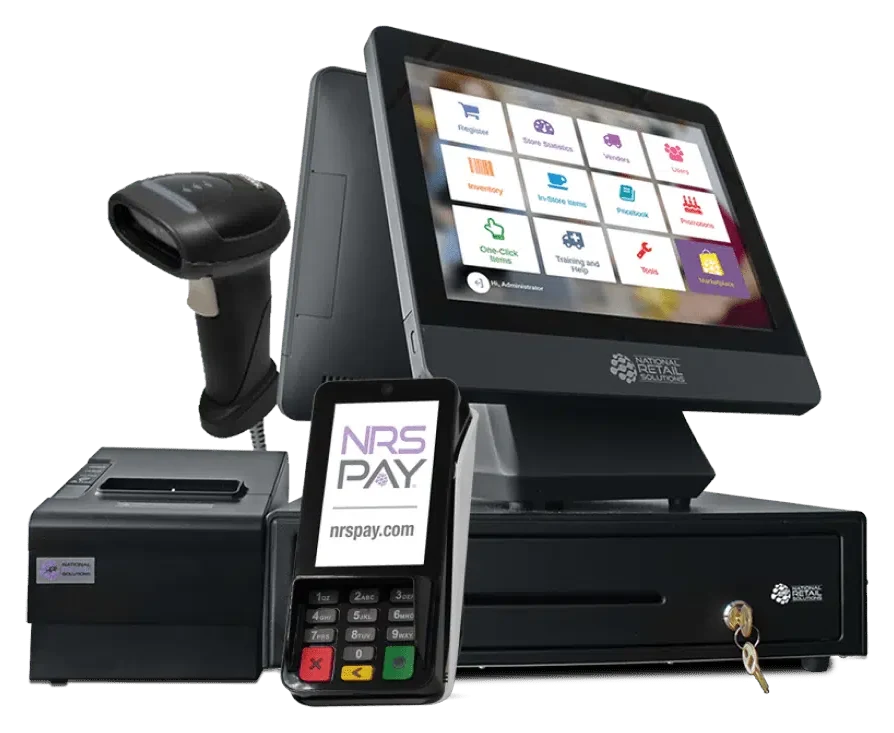
NRS all-in-one POS bundle
Official NRS all-in-one POS photo from the cash register product page, including the merchant screen, printer, scanner, cash drawer, and NRS Pay terminal.
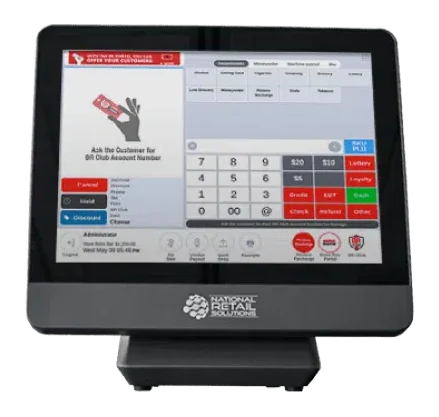
Official product pageNRS merchant touch screen
Official merchant-facing touch screen photo from the NRS point-of-sale page.
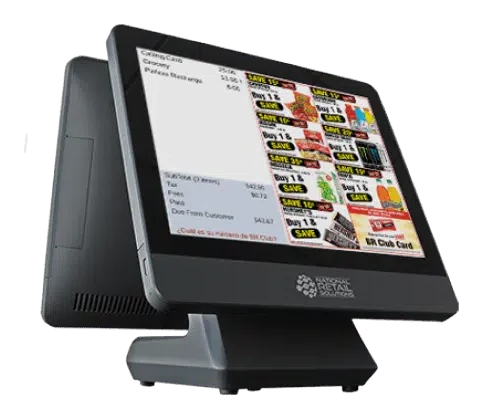
Official product pageNRS customer-facing display
Official customer-facing display photo from the NRS point-of-sale page.
Official product page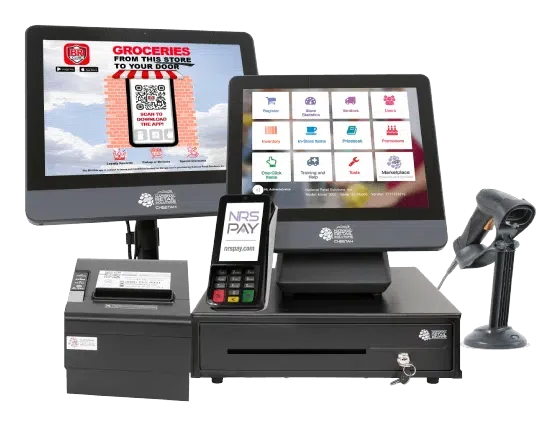
NRS Cheetah POS
Official NRS Cheetah configuration photo, with two screens, a payment terminal, printer, scanner, and cash drawer.
Official product page
What it offers
What NRS offers, and what you get with LatPayOne
All-in-one retail hardware
Official NRS product pages show a counter setup with a merchant touch screen, a customer-facing display, a receipt printer, a barcode scanner, a cash drawer, and an NRS Pay terminal. A Cheetah configuration with two screens is also shown.
CampNRS training library
CampNRS publishes how-to topics and videos for the register, pricebook, users, inventory, reports, tools, and more, plus official install manuals.
How do I...
Search the how-tos
11 how-tos
CampNRS says getting started with a new NRS POS is straightforward. Detailed instructions and a Setup Guide are provided in the box. CampNRS also hosts the official how-to videos and topics on this page. After the hardware is set up, NRS asks you to contact them to arrange complimentary one-on-one remote training. If you have questions, CampNRS lists NRS Support at 800-215-0931. You can also download the official Self-Install Manual and Self-Installation Setup Guide from the same CampNRS page.
Source: POS-topics - CampNRS
Need a different task? The official help center is larger than this page. Open official help
These short answers are written by LatPayOne in our own words from official CampNRS and NRS materials. Many CampNRS how-tos are videos. They are not a substitute for those official videos, manuals, or training. Features can vary by device and account. Follow the linked source for the full guide.
Want this POS with LatPayOne processing?
Send a recent processing statement for a free fee review, or call and tell us what you already run. If you already use this system, you can keep it. We handle the processing underneath.