
POS systems/RetailzPOS
RetailzPOS
RetailzPOS, already in use at LatPayOne merchants
RetailzPOS is a retail POS that LatPayOne already supports for merchants. Official hardware includes a POS bundle and RetailzGO. The how-tos below are written in our own words from the official RetailzPOS docs. If you already run it, you can keep it.
What you get
Official hardware, staged and drop-shipped
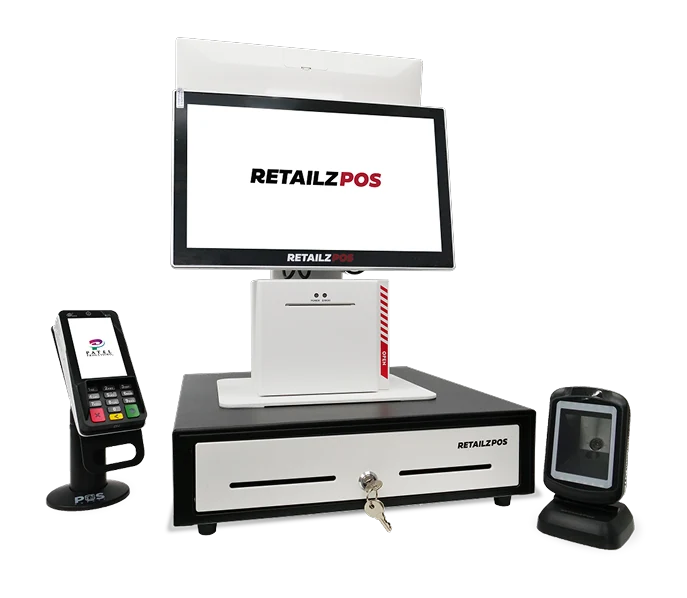
These photos are official RetailzPOS product images from retailzpos.com/hardware. The vendor's hardware page also shows compatible payment terminals and peripherals. We only show the official RetailzPOS bundle and RetailzGO pack shots we could confirm at full size.
RetailzPOS hardware bundle
Official POS hardware bundle photo from RetailzPOS, including a dual-screen Android setup, a 2D scanner, and a cash drawer.
Official product pageRetailzGO
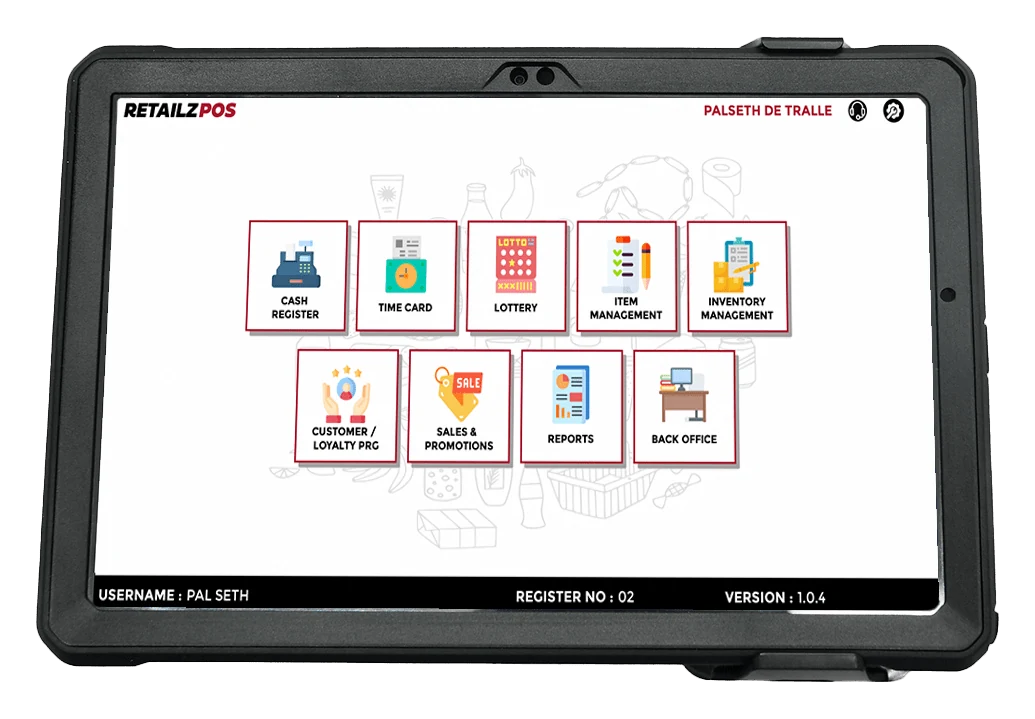
Official RetailzGO front product photo from the RetailzPOS hardware page.
Official product page
What it offers
What RetailzPOS offers, and what you get with LatPayOne
Cash register and back office
Official docs cover signing in, ringing up items, voids, returns, discounts, holding a sale, cash drawer work, card settlement, employees, and reports.
Official counter hardware
RetailzPOS publishes a POS hardware bundle and RetailzGO, a tablet-style device, on its official hardware page.
How do I...
Search the how-tos
18 how-tos
The RetailzPOS login screen is used to open shifts, clock employees in and out, and manage breaks. To open a new shift, enter your four-digit access PIN, choose Sign In, enter the opening cash drawer balance, then confirm it. If a shift for that PIN is already open, the system will not ask for an opening balance again. To clock in, enter the PIN and choose Clock In. The official article also covers clocking out and break times. Follow that page for the exact prompts.
Source: POS Login
Need a different task? The official help center is larger than this page. Open official help
These short answers are written by LatPayOne in our own words from official RetailzPOS documentation. They are not a substitute for that documentation. Features can vary by device, app, and account. Follow the linked source for the full guide.
Want this POS with LatPayOne processing?
Send a recent processing statement for a free fee review, or call and tell us what you already run. If you already use this system, you can keep it. We handle the processing underneath.